Hiding a page from search engines
Sometimes you don't want a public page to appear in Google, for example a thank-you page after a form. Or you have two pages with almost the same content and want search engines to show only one of them. You set up both in the Search & sharing block.
Keeping a page out of search engines
- Open the page and click the info icon at the top (the i in a circle).
- Scroll to the Search & sharing block and click Edit.
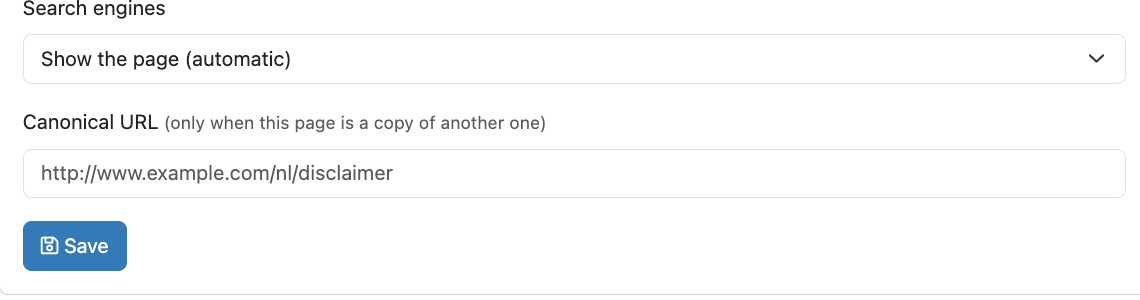
- Under Search engines, choose:
- Show the page (automatic): the normal setting;
- Do not show the page (noindex): search engines leave the page out;
- Do not show the page and do not follow its links (noindex, nofollow): search engines leave the page out and also don't follow the links on the page.
- Click Save.
Above the search result you now see Not shown by search engines (noindex). Visitors can still open the page, but it is no longer in the sitemap.
Noindex is a request to search engines; it often takes days to weeks before a page disappears from the search results. If nobody may see the page, put it in a folder with the permission Webmaster or User.
A page that is a copy of another page
- Open the page that is the copy and go to the Search & sharing block.
- Click Edit.
- Under Canonical URL, enter the address of the page that search engines should show, for example
/about-usor a full address. - Click Save.
Leave Canonical URL empty if the page is not a copy. Xanti then passes on the page's own address; the block shows this page itself (automatic).
See also
- Title and description for search engines
- Search & sharing overview
- Folders, order and visibility
Checked: November 2026